Shokz OpenSwim Pro MP3 Storage:如何轉移、管理及組織檔案
以下為官方發布原文照登(未改寫、未翻譯),來源連結見本頁。(原文語言:英文)
If you want to set up OpenSwim Pro MP3 Storage, the process is straightforward. Connect the headset to your computer with the included magnetic cable, then copy supported audio files to the SWIM PRO drive.
The process is simple, but a few details can affect the transfer, including the cable connection, file format, and how the device appears on your computer.
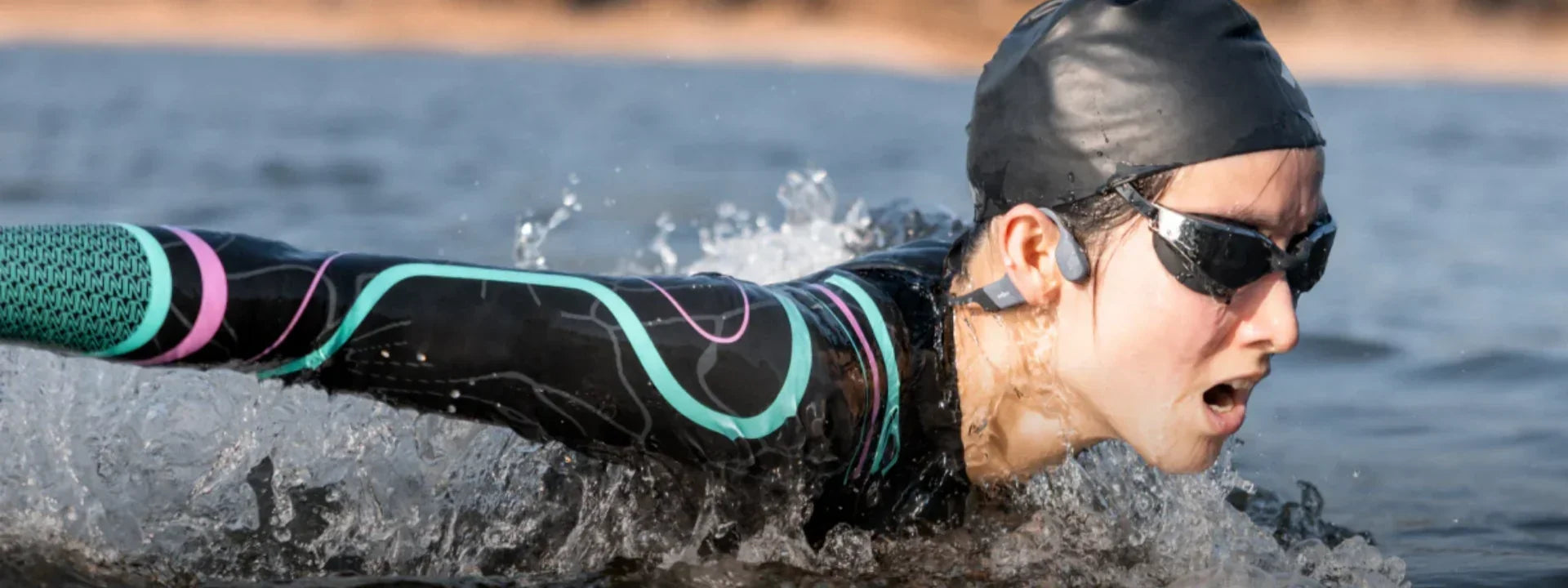
Why do underwater swimming headphones need built-in storage ? Bluetooth connections aren’t designed for reliable audio playback underwater, so local storage lets the OpenSwim Pro play music directly from the headset while you swim. Before transferring your music, here’s what to know about its storage capacity, supported formats, and computer connection.
The OpenSwim Pro includes 32GB of MP3 storage, enough for approximately 8,000 songs depending on file size.
That storage is designed for local playback. In MP3 mode, the OpenSwim Pro is rated for about 6 hours of playback on a full charge, so you can keep music stored on the headset for swim sessions without relying on a phone connection.
The OpenSwim Pro supports a wide range of audio formats in MP3 mode:
MP3, FLAC, WAV, AAC, M4A, APE, and WMA
If your audio files are already in one of these formats, you can generally transfer them directly to the OpenSwim Pro without converting them first.
Before loading anything, check the file extension. On Windows, you can see it in File Explorer. On Mac, you can confirm it in Finder file information.
If a file uses one of the supported formats, you can try transferring it directly. If a file does not transfer or play as expected, converting that individual file to a supported format such as MP3 is a practical option. You can then transfer the converted file and try playback again.
You can transfer music to the OpenSwim Pro directly from your computer using the included magnetic cable.
On Windows, the computer should recognize the headset as storage and show the SWIM PRO drive in File Explorer. On Mac, it should appear as a mounted drive in Finder. If it doesn’t appear right away, reconnect the cable and check whether external disks are enabled in Finder settings.
You don’t need separate software just to copy music files to the device.
Bone Conduction Headphones for Swimming
To access OpenSwim Pro MP3 Storage, use the included magnetic induction charging cable to connect the headset to your computer.
Align the magnetic connector with the charging contacts and make sure it sits securely. A poor connection can prevent the computer from recognizing the device.
On Windows, the OpenSwim Pro should appear in File Explorer as the SWIM PRO drive. On Mac, it should appear in Finder as a mounted drive. Once you see the drive, you can open it and copy supported audio files directly to the device.
If it doesn’t appear, reconnect the magnetic cable. On Mac, also check Finder settings to make sure external disks are allowed to appear in the sidebar or on the desktop.
MP3 mode is used for playing music stored locally on the OpenSwim Pro.
You can transfer files through your computer using the magnetic cable, then switch to MP3 mode when you want to listen to the music stored on the headset.
Keeping those two steps separate makes the process easier to understand: the computer handles the file transfer, while MP3 mode handles local music playback.
Moving music onto the OpenSwim Pro is a direct process.
Connect the OpenSwim Pro to your computer using the included magnetic cable. The device should appear as the SWIM PRO drive in File Explorer or Finder.
Open the SWIM PRO drive. You can browse the storage and existing folders before adding new files.
Locate the supported audio files you want to copy. These may be stored in different folders on your computer.
Drag the selected files into the OpenSwim Pro drive. A transfer progress indicator should appear.
Wait for the copy to finish before disconnecting the headset.
Once the transfer is complete, safely eject the device before removing the cable.
If your music library contains AAC, M4A, FLAC, or other supported files, check the file format before transferring.
Supported files can generally be copied directly to the OpenSwim Pro. If a particular file does not play after transfer, check its format and try converting that file to another supported format such as MP3 before transferring it again.
There’s no need to convert your entire library just because one file has a problem.
If a file uses an unsupported format, convert it before copying it to the OpenSwim Pro.
Use a trusted audio converter on your computer and export the file to a supported format such as MP3 or FLAC. For larger libraries, batch conversion can also help keep your files in a consistent format before you transfer them.
When the transfer is done, eject the OpenSwim Pro from Finder or File Explorer before disconnecting the cable.
This gives the computer time to finish writing the transferred files. Removing the headset while a transfer is still in progress can cause file or storage problems.
Treat the OpenSwim Pro like other removable storage: let the transfer finish and eject it properly before disconnecting.
When managing OpenSwim Pro MP3 Storage, playback order may not follow the filename order you see on your computer.
If playback order matters, organizing tracks into folders can make your library easier to navigate. Naming files with numbers such as 01, 02, 03 can also make the intended order easier to see, although it may not determine playback order by itself.
Folders make the OpenSwim Pro easier to navigate.
A practical setup is one folder per use case: warm-up, intervals, long swim, cooldown, or even audiobooks and podcasts. Instead of keeping everything in one large collection, you can group files based on how you plan to use them.
規格
- 防水等級
- IPX8
- 儲存容量
- 16GB
來源連結
規格與發布資訊引用自官方來源;本文評析為本站原創。
Shokz OpenSwim Pro MP3儲存器是一種防水耳塞,專為游泳和水上活動而設計。它不僅提供出色的音質,還具有智慧控制功能,允許使用者在不移除耳塞的情況下輕鬆管理音樂播放列表。
以下是您需要了解的幾個重要事實:1. 防水等級達IPX8,適合游泳使用;2. 儲存容量為16GB,足夠存放大量音樂檔案。
對於追求運動自由度和音質兼顧的使用者而言,Shokz OpenSwim Pro MP3 Storage是不可多得的好選擇。它不僅能在各種環境下提供清晰的聲音,還能幫助您更方便地管理您的音樂收藏。
討論區